1
Add a report
Import a PDF from your lab or your doctor, or take a photo of a printed report. You can also type results in by hand.
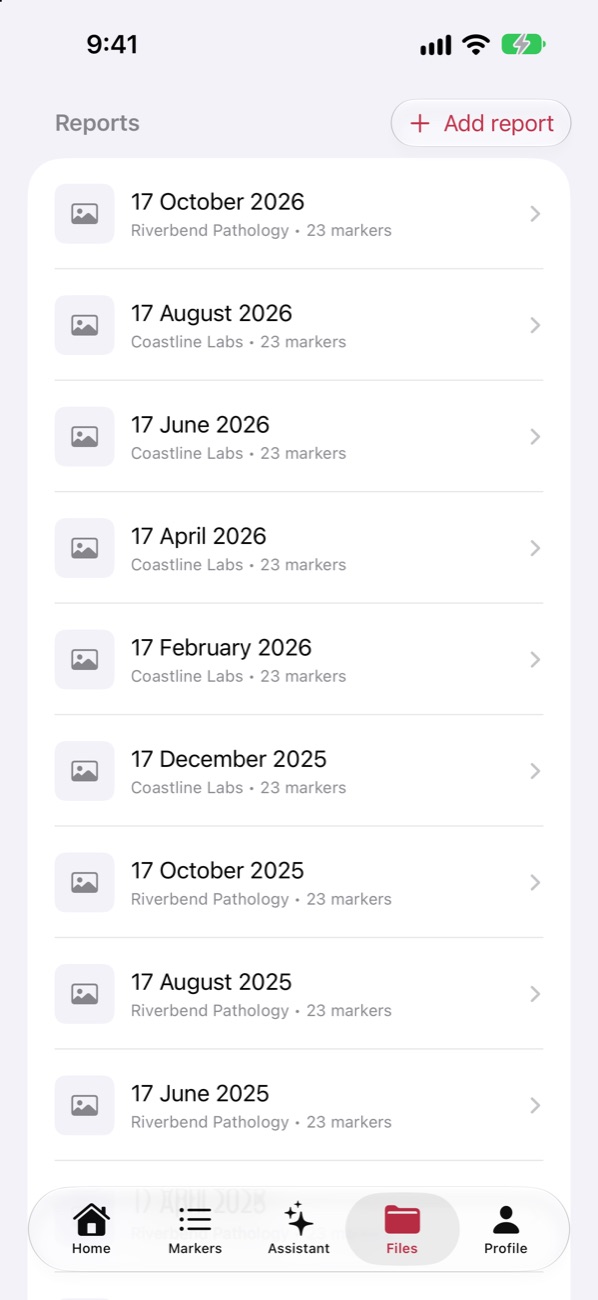
Six steps, and the first one takes about a minute.
Import a PDF from your lab or your doctor, or take a photo of a printed report. You can also type results in by hand.
Bloodline reads the report on your iPhone and takes out your name, date of birth, Medicare number, address and phone number before anything else happens. Then it shows you every result it found, and nothing is saved until you've checked them.
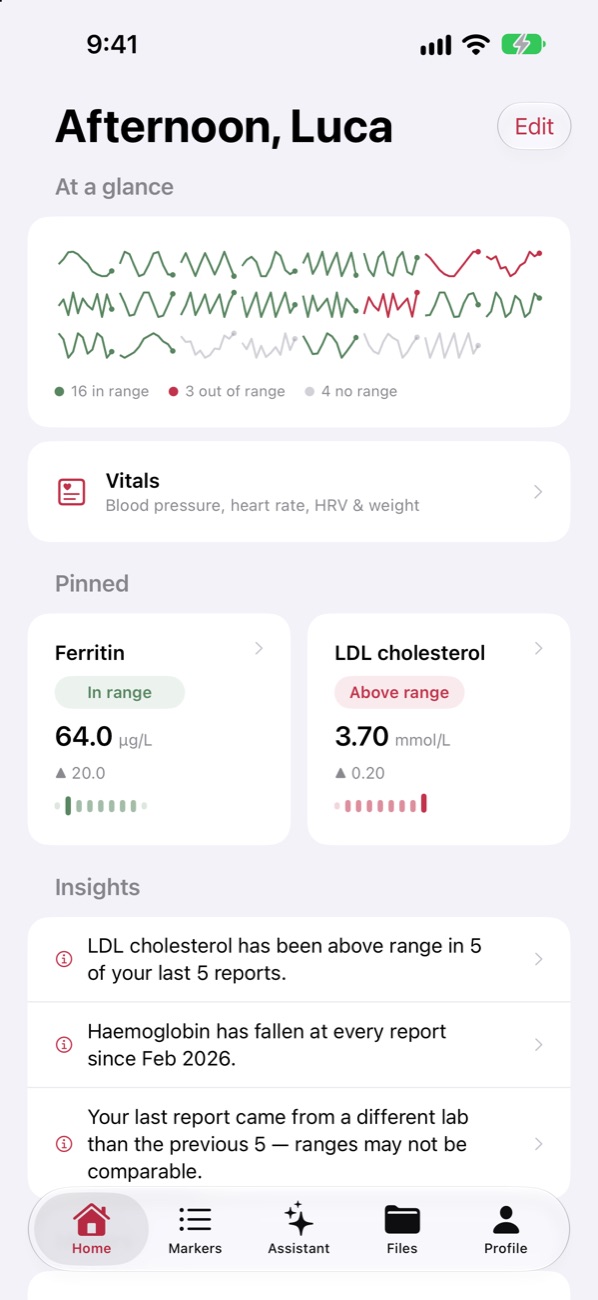
Home shows what's in range, what isn't, and what moved since your last report. Pin the markers you care about most to the top.
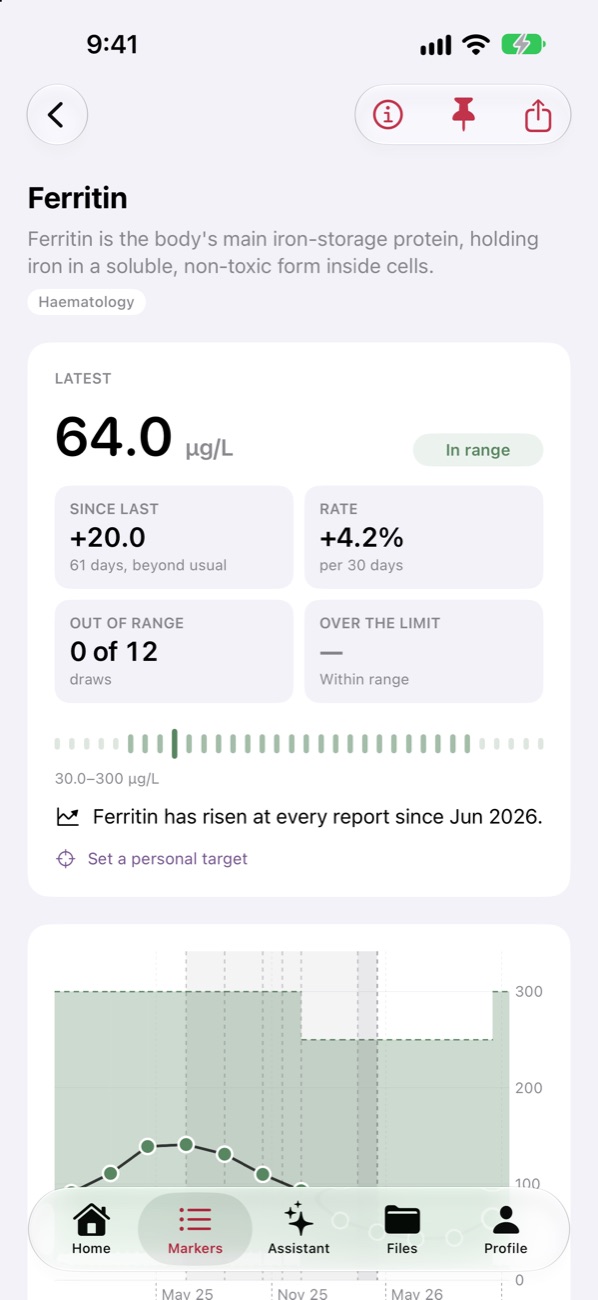
Every marker keeps its whole history across labs. Bloodline tells you whether the latest change is bigger than that marker's usual swing between draws, so a small wobble doesn't look like a trend.
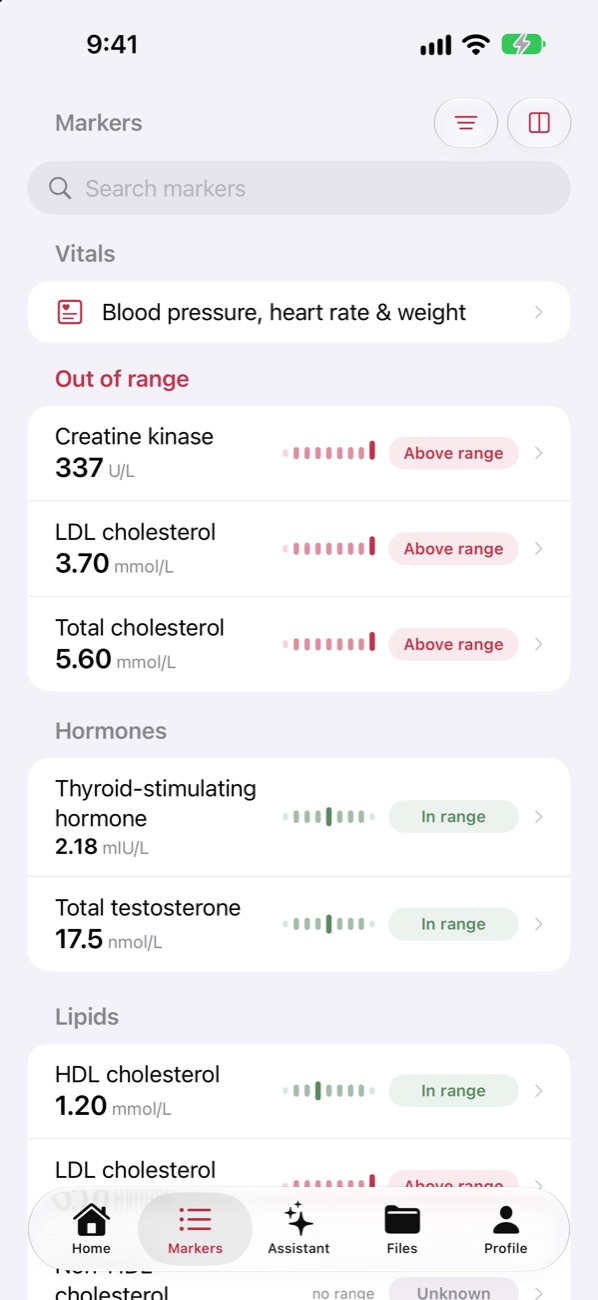
Read what each marker measures and what commonly moves it, with sources. Then ask the Assistant about your own numbers: it answers from your results, on your iPhone or on Apple's Private Cloud Compute.
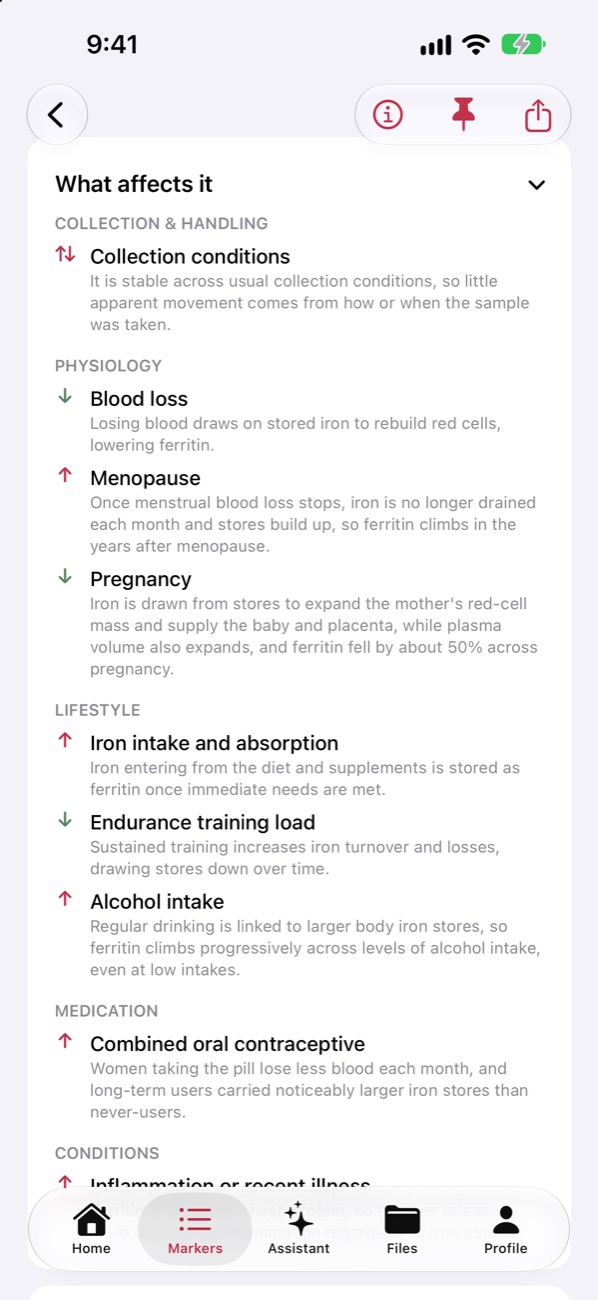
Share chosen reports with a coach through your own iCloud. You pick what they see, they can't change anything, and you can stop sharing at any time.
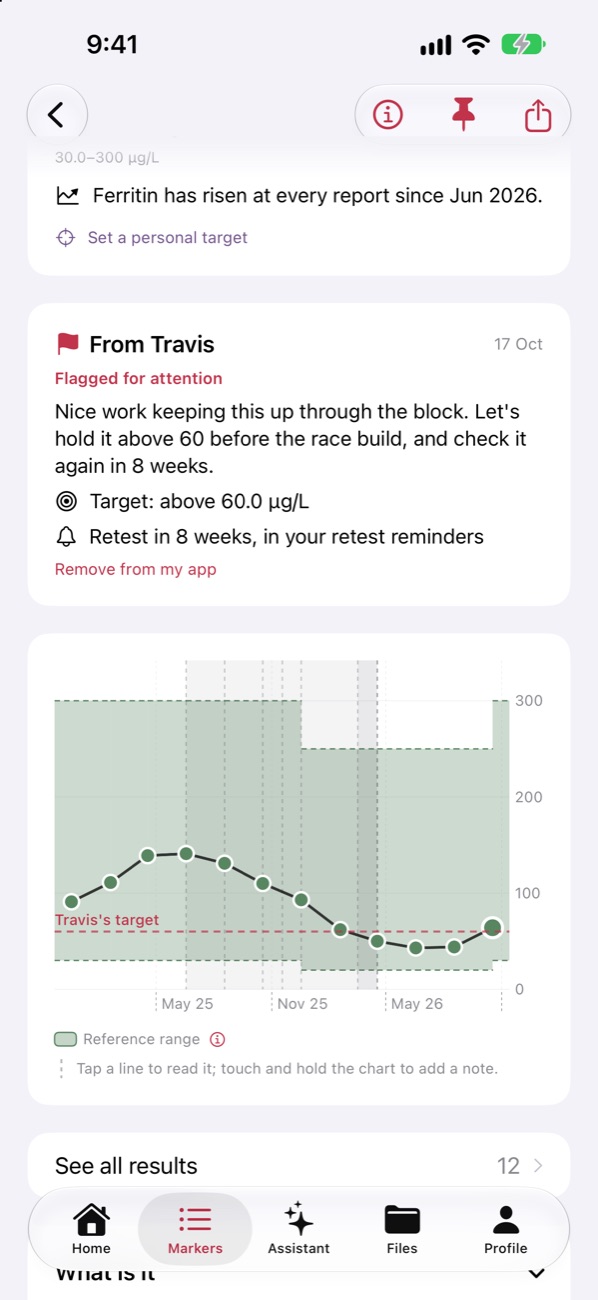
Nowhere you haven't chosen. Here is every place a result can be.
Everything is stored on your device. Reports are read and redacted here before anything else happens.
With iCloud on, your data syncs through your own private iCloud so your iPad has it too. We can't see it.
For harder questions and long reports, Apple's larger model on Apple's own servers. Apple says nothing is stored or seen.
Sharing with a coach, and connecting your own AI provider, are the only other places, and both are off until you turn them on. The Privacy Policy has the detail.